
At a glance
Key takeaways
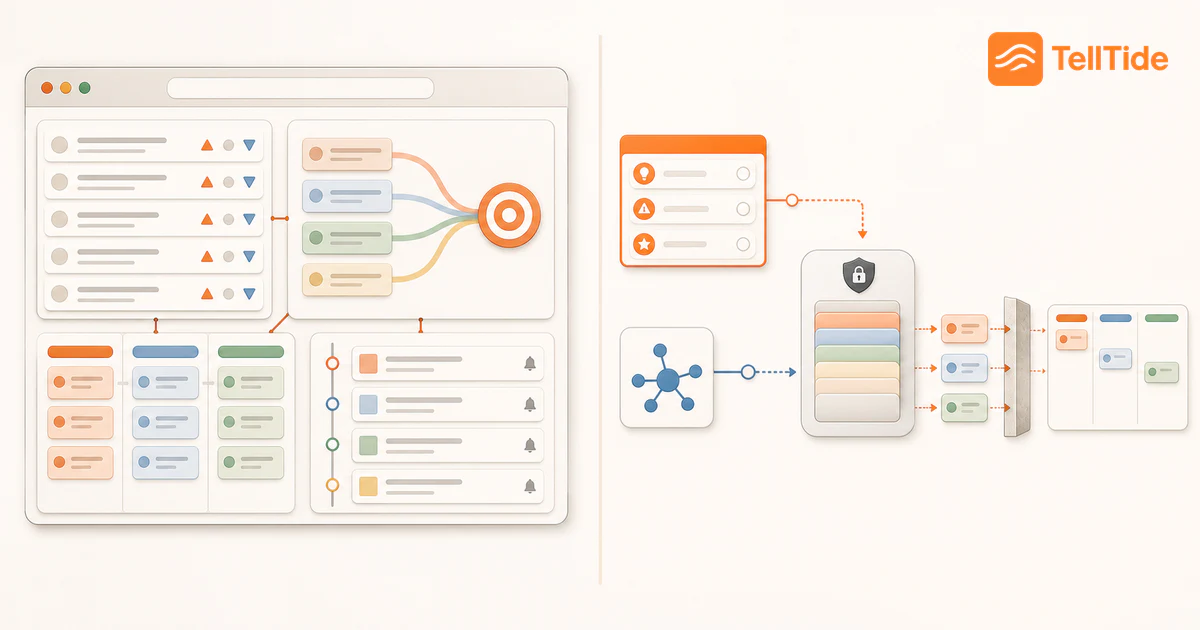
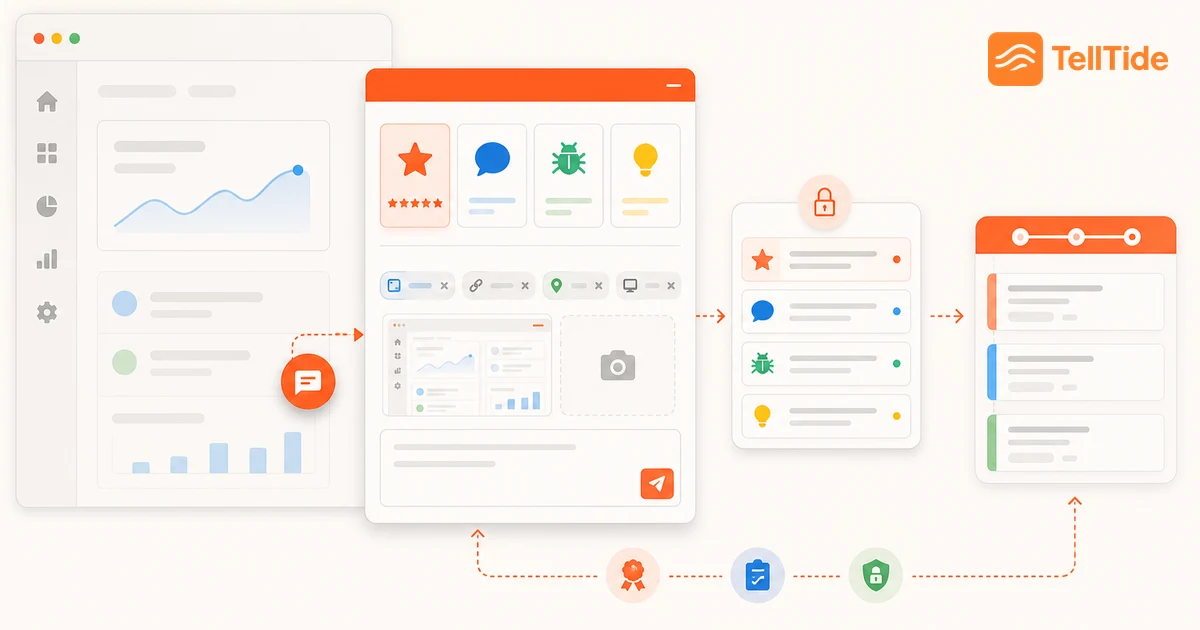
- Give users one obvious place to share feedback while they are still inside the product experience.
- Separate reviews, bugs, feature requests, and general feedback so each submission starts in the right workflow.
- Collect only what your team has time to review, act on, and follow up.
Start with the decision the feedback should improve
Before adding a form, decide what you want to learn. Are people getting stuck during onboarding? Are customers asking for the same missing capability? Are bugs reaching support without enough detail? A clear question gives the collection method a job.
This also keeps the experience respectful. Users can tell when a company is collecting comments “just in case.” Ask for feedback when someone has enough context to answer, and make sure somebody owns the inbox on the other side.
Choose the right feedback moments
Passive feedback works well when users want to start the conversation. A small website feedback widget stays available without interrupting their task. Active feedback works better when you need an answer about a specific moment, such as finishing onboarding or trying a new feature.
For most SaaS products, begin with one passive launcher and a few intentional prompts. Avoid showing a survey on every visit. The goal is useful signal, not the largest possible response count.
- After a successful task: ask what made the flow easy or difficult.
- After an error: offer a short bug report with room for reproduction steps.
- Near a missing workflow: let the user submit a feature request in context.
- After real value: invite a review or rating without blocking the next action.
A five-step customer feedback workflow
| Step | What to do | TellTide workflow |
|---|---|---|
| 1. Capture | Provide one easy entry point in the product. | Install the widget or submit through the API. |
| 2. Classify | Separate the reason the user is contacting you. | Use review, feedback, bug, and feature request categories. |
| 3. Triage | Read new items and set a clear next state. | Filter the inbox by app, type, status, and search. |
| 4. Act | Fix, investigate, decline, or move a request forward. | Update status and publish suitable feature requests to the roadmap. |
| 5. Follow up | Show users what happened to useful feedback. | Use roadmap statuses and comments to make progress visible. |
How TellTide helps you collect customer feedback
Create an app in TellTide, choose the categories you want to receive, match the widget to your product, and paste the embed snippet onto your site. New submissions arrive in the Feedbacks inbox, where your team can review the message, context, rating, and structured fields.
For mobile apps, desktop apps, or custom server forms, the same workflow can start through the TellTide API. That keeps feedback from different product surfaces in one place instead of splitting it across forms and email threads.
Match the method to the question
Use a passive widget when customers should be able to report an issue or idea at any moment. Use a short contextual prompt when the team has a narrow question about a completed action. Use interviews when motivation, constraints, or buying behavior require follow-up. Use product analytics to verify what people did, not to infer why they did it.
Combining methods prevents one channel from distorting the roadmap. Support conversations overrepresent customers who ask for help, public boards favor people willing to post, and surveys reward short answers. The useful signal appears when several sources point to the same problem.
A four-week feedback collection plan
- Week one: choose one decision and define the evidence needed to make it.
- Week two: install a passive collection point and recruit a small set of relevant interviews.
- Week three: tag responses by problem, product area, customer segment, and impact.
- Week four: summarize patterns, make or defer the decision, and follow up with participants.
Record the decision before collecting more feedback. Without a defined question, teams often accumulate comments that sound interesting but cannot change an action.
A collection brief you can use before asking
Before launching a request for feedback, fill in four sentences: “We need to decide ___”; “The people affected are ___”; “We will ask them ___”; and “We will review the answers on ___.” If the decision is unclear, postpone the questionnaire.
For example, a reporting team deciding whether to add scheduled exports can ask: “Tell us about the last time you shared a report. What did you repeat manually?” This invites evidence about the task without implying that scheduling is the solution. Record the workaround and frequency separately from the requested feature.
Keep unsuccessful and infrequent users in the sample as well as enthusiastic customers. A widget receives self-selected responses; it does not establish how common a problem is across your customer base. Use the feature-request workflow to evaluate the resulting ideas.
Put this into practice: Get Pro
Questions teams ask before choosing this workflow
What is the best way to collect customer feedback?
Use a low-friction in-product or website feedback option, ask at meaningful moments, separate feedback by type, and give one person responsibility for reviewing and following up.
How many feedback questions should I ask?
Ask only what you need for the next decision. A short category-specific form usually produces more useful feedback than a long general survey.
Can TellTide collect feedback without a website widget?
Yes. TellTide accepts API submissions for mobile, desktop, backend, and custom form workflows.

Abhijith
Founder of TellTide, writing practical guides about product feedback, feature requests, and public roadmap workflows for SaaS teams.