At a glance
Key takeaways
- Choose a widget by the quality of the complete feedback workflow, not the number of fields in the form.
- Preserve product context automatically while keeping the customer interaction short.
- Test private triage, roadmap publishing, accessibility, origin protection, and mobile behavior before rollout.
Why the feedback widget matters more than the form
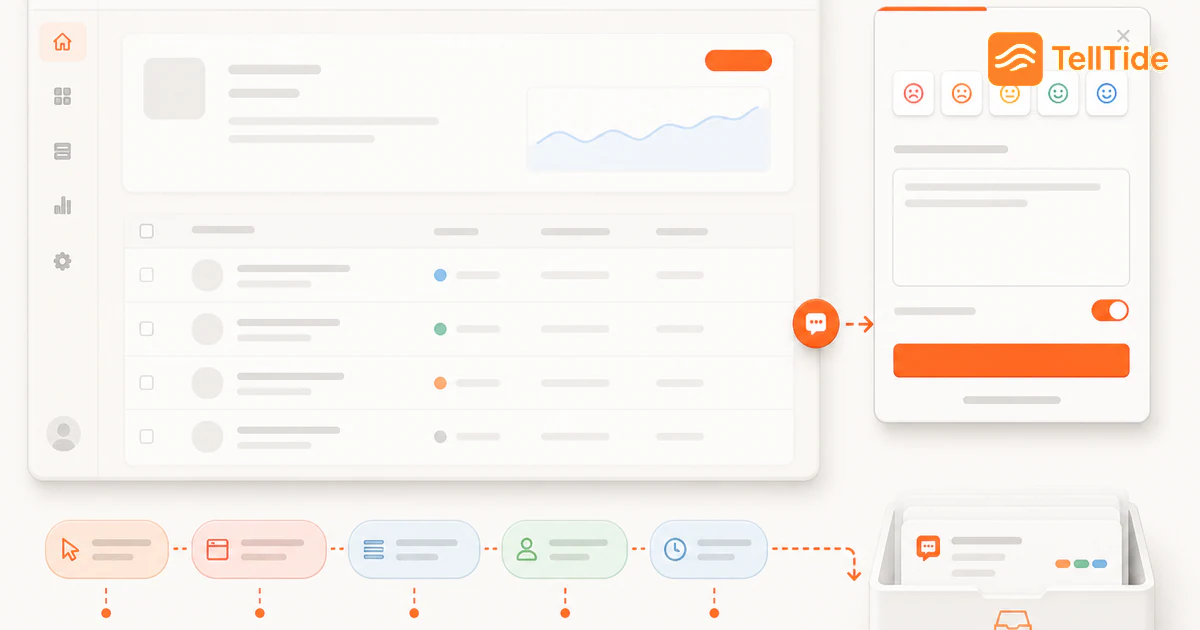
A customer feedback widget sits inside the product moment. That makes it different from a survey link, a public email address, or a support form buried in a help center.
When someone reports a bug from the page where it happened, asks for a feature while evaluating your product, or leaves a review after getting value, the submission carries context. A good website feedback widget preserves that context and routes it into a workflow your team can actually use.
For SaaS teams, the best customer feedback widget is not the one with the most fields. It is the one that makes useful feedback easy for users and easy for your team to act on.
Must-have features in a customer feedback widget for SaaS
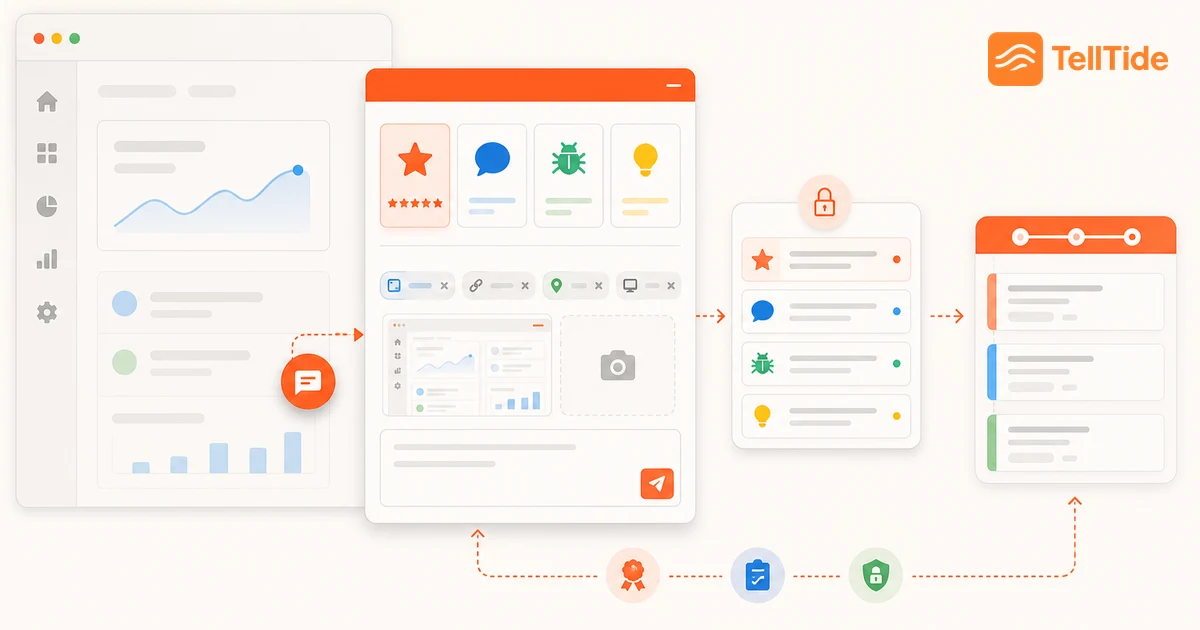
Start with the jobs the widget must handle. SaaS teams usually need more than one feedback type, because a five-star review, a bug report, and a roadmap idea should not land as the same generic message.
- Multiple submission types: reviews, general feedback, bugs, and feature requests.
- A clean launcher that does not fight the product UI on desktop or mobile.
- Origin protection so the widget only accepts submissions from approved domains.
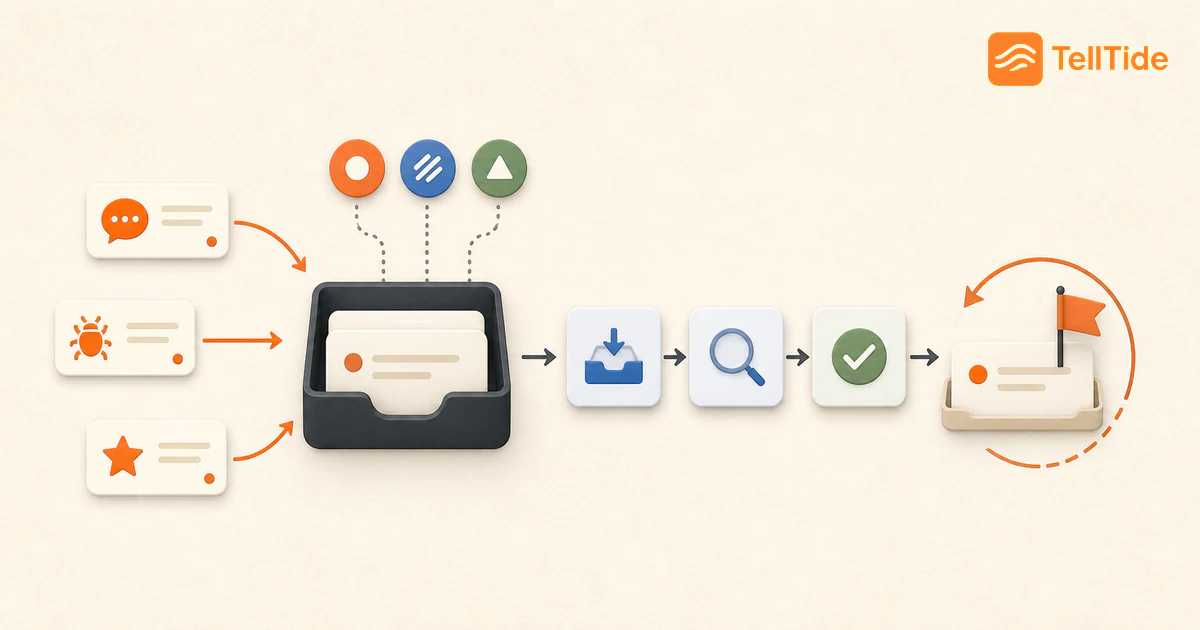
- Inbox status tracking for new, in-progress, resolved, declined, and closed items.
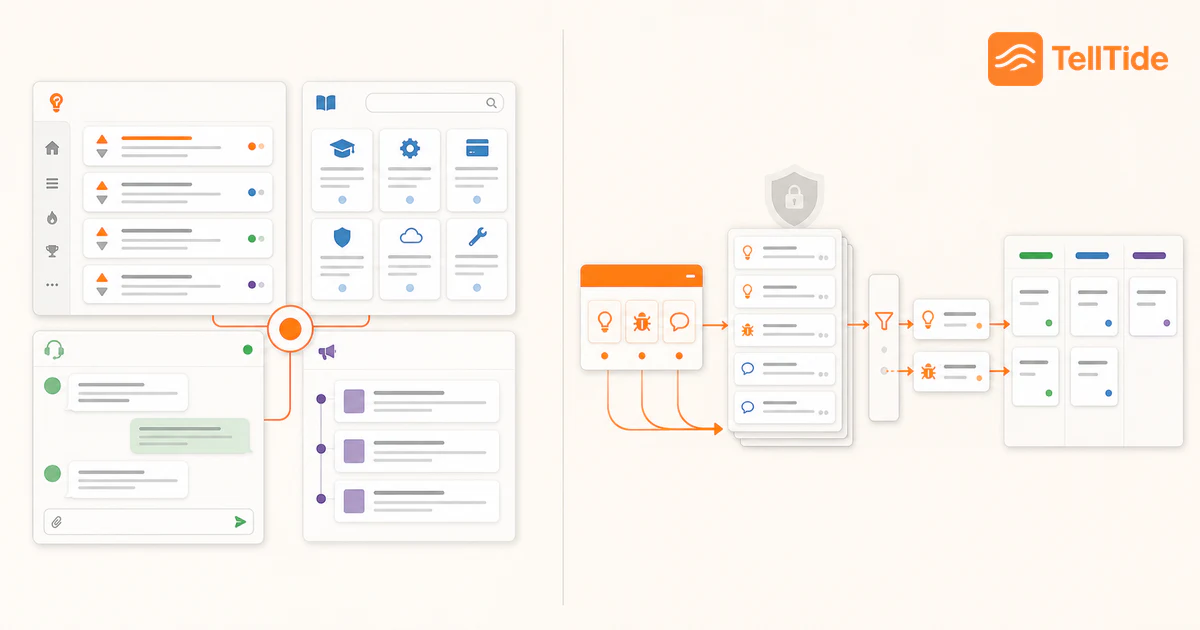
- A path from feature requests to a public roadmap, not just a static spreadsheet.
- API access for mobile, desktop, or backend-only products that cannot use a web widget.
Feedback widget evaluation checklist
Use this checklist before you add a widget to production. It keeps the decision focused on outcomes instead of cosmetic controls.
| Criteria | Why it matters | What to verify |
|---|---|---|
| Feedback types | Different signals need different fields and workflows. | Can users send reviews, bugs, feedback, and feature requests? |
| Inbox workflow | Raw submissions only help if someone can triage them. | Can your team filter by app, type, status, and source? |
| Widget customization | The launcher should feel native to your product. | Can you control colors, position, copy, and visible categories? |
| Roadmap handoff | Feature ideas should become public decisions, not private notes. | Can you promote requests into a roadmap users can vote on? |
| Setup speed | A tool that takes weeks to deploy will not get used. | Can a team install it with one script and test feedback the same day? |
Common mistakes when adding a feedback widget
The most common mistake is treating the widget as a passive comment box. Teams add a launcher, receive a few messages, and then let the inbox rot.
The second mistake is asking for too much too early. If a user wants to report a bug, do not make them fill out a survey-length form. Ask for the details that help your team reproduce the issue and let the dashboard carry the workflow.
The third mistake is hiding feature requests from users. A public roadmap gives customers a place to vote, comment, and understand what is being considered. That can reduce repeat support questions and turn feedback into a visible product loop.
When TellTide is a good fit
TellTide is built for teams that want the feedback widget, inbox, API, and public roadmap in one product. You add the widget to your site, collect structured submissions, triage them in the dashboard, and move high-signal requests into a roadmap.
It is especially useful if your team wants to collect bug reports and feature requests without setting up a separate form builder, voting board, and spreadsheet workflow.
A browser acceptance test before you install everywhere
Try keyboard-only navigation, a narrow mobile screen, a long message and a failed network request. Check that users can close the panel, identify required fields and understand whether a submission succeeded. These are acceptance checks to run in your own environment, not claims that a particular vendor has passed an accessibility audit.
Inspect the information attached to a submission. A page URL can be useful, but query parameters can contain information you should not collect. Confirm what your configuration actually transmits and minimize it to the context the team needs.
Finally, verify the receiving workflow: can someone find the message, understand its category and take the next action? A polished launcher with an unattended inbox is not a complete feedback system. See the first-submission setup guide.
Put this into practice: Get Pro
Questions teams ask before choosing this workflow
What is a customer feedback widget?
A customer feedback widget is an embeddable launcher or panel that lets users send feedback directly from your website or product. It can collect reviews, bug reports, feature requests, and general comments.
What should a SaaS feedback widget include?
At minimum, it should support multiple feedback types, configurable appearance, origin protection, an inbox workflow, and a way to turn feature requests into roadmap decisions.
Can TellTide collect feedback without a website widget?
Yes. TellTide also supports API submissions for mobile apps, desktop apps, and backend workflows where a website widget is not the right fit.

Abhijith
Founder of TellTide, writing practical guides about product feedback, feature requests, and public roadmap workflows for SaaS teams.