At a glance
Key takeaways
- Choose an accountable decision owner and include the daily operator in trials.
- Turn each buying trigger into an observable acceptance check instead of a vague feature request.
- Budget for migration and ongoing review as well as the subscription.
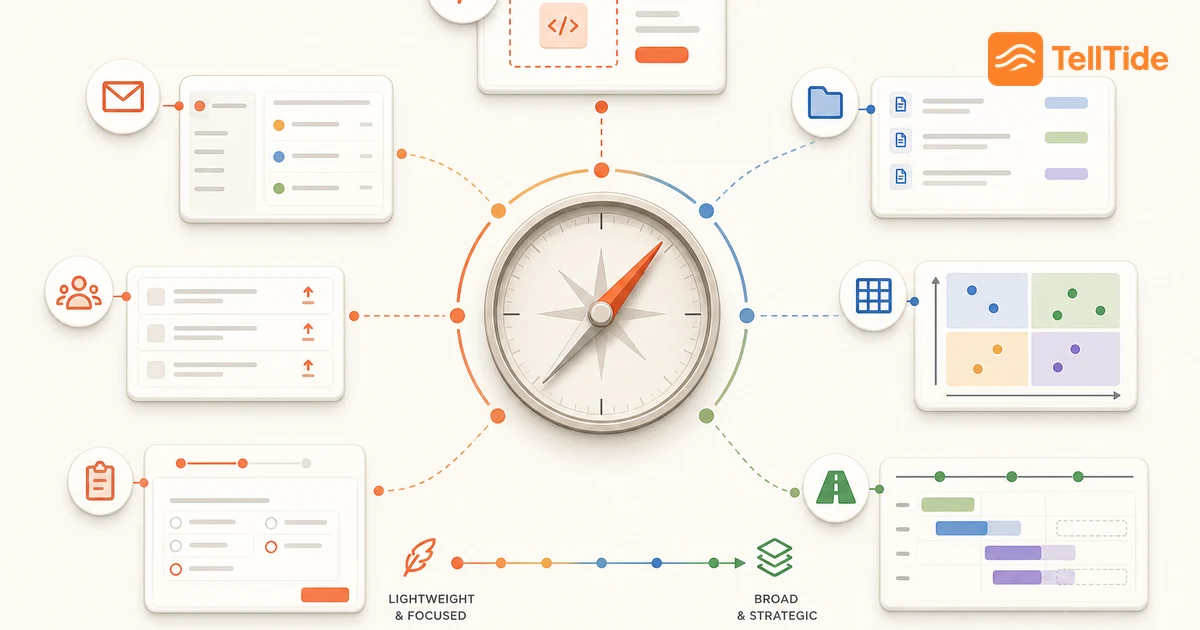
Start with the problem that triggered the purchase
A feedback tool becomes useful when it removes a specific failure in the team's process. Examples include bug reports reaching engineering without reproduction context, requests scattered across customer conversations, or customers asking repeatedly whether an idea is still being considered. These problems call for different capabilities.
Write the trigger as an observable statement. “We lose requests” is a starting concern; “requests from support conversations are not available during the weekly product review” identifies a workflow to test. Record where the evidence enters, who needs it next, and where the handoff currently fails.
Do not treat growing submission volume as an automatic reason to buy a broader platform. A manageable inbox with no owner needs an operating decision before it needs automation. Use the small-team feedback routine to establish the minimum process.
Separate the buyer, operator and approver
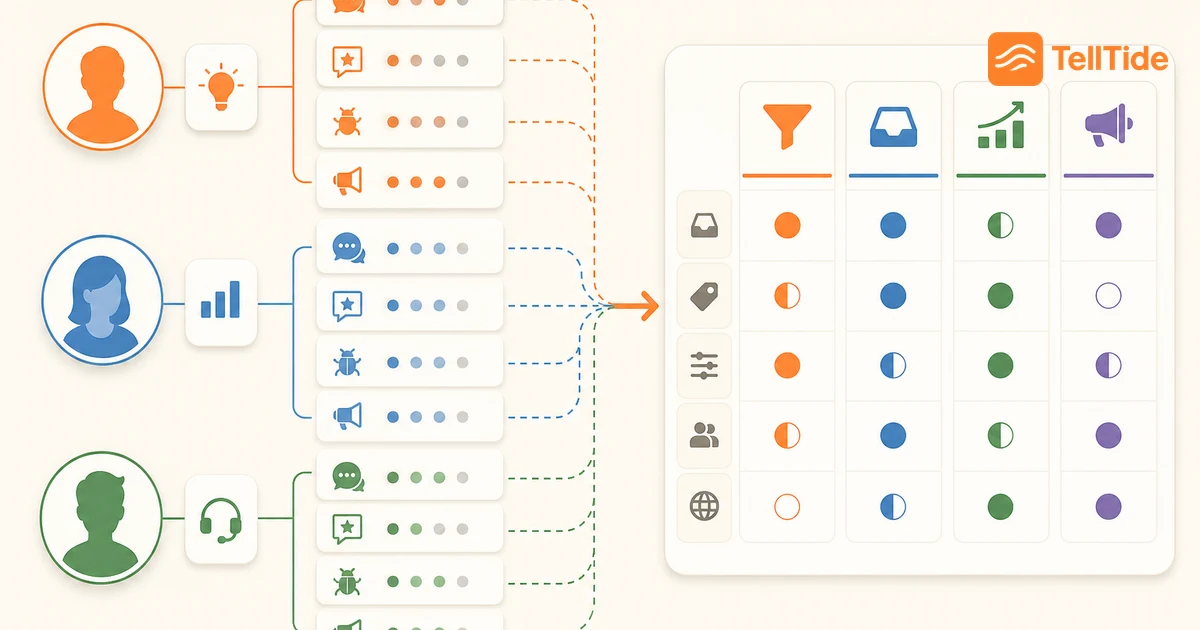
| Role | Typical concern | Evidence to request in a trial |
|---|---|---|
| Founder or budget owner | Another tool creates cost without adoption | Named operator, recurring review and clear replacement scope |
| Product lead | Requests lack decision context | Original message, related evidence and a recorded next action |
| Support lead | Customers repeat details or expect immediate help | A clear route for urgent support and a usable product-feedback handoff |
| Customer success | Account-specific commitments disappear | A reference to the customer context and an owner for follow-up |
| Engineering | Reports cannot be reproduced or integration is unclear | Safe diagnostics, supported payloads and tested failure behavior |
These are common responsibilities, not fixed job titles. In a small company, one person may fill several roles. Make those responsibilities explicit so the absence of a dedicated product-operations team does not leave essential work unowned.
The person approving the purchase should not be the only person testing it. Someone who will review incoming submissions must be able to find the context and take the next action without relying on a demonstration from the vendor.
Give product a decision-quality acceptance check
Product teams should test whether a request explains the problem behind the suggested solution. Use an illustrative request such as “add scheduled reports.” Ask whether the record preserves the customer's current workaround, frequency and desired outcome. A vote total cannot answer those questions by itself.
Record whether related submissions can be found and reviewed together. If grouping is manual, include that work in the evaluation rather than assuming the presence of an inbox implies automatic deduplication. Decide where the eventual delivery issue will live so the feedback system does not become an accidental second engineering backlog.
A useful trial output is one defensible decision: investigate further, select a scoped change, defer with an evidence threshold, or decline with a reason. See feature-request triage for a process to adapt.
Give support and success a communication check
Support needs to distinguish an urgent problem from a product suggestion. A customer unable to access an account should not wait for a weekly roadmap review. Maintain a visible support path and make the expected response clear where people submit feedback.
Customer success may need to revisit a request during an account conversation. Check whether the team can locate the original context and explain the current decision accurately. Do not label a tentative idea “planned” simply to make a renewal conversation easier.
Write down who contacts the customer after a decision. A public status update may be sufficient for some ideas, while a private complaint needs direct follow-up. TellTide's roadmap comments and statuses provide visible progress; automated email notifications are not a supported substitute for that manual follow-up. The feedback-loop guide includes example communication.
Give engineering a bounded integration review
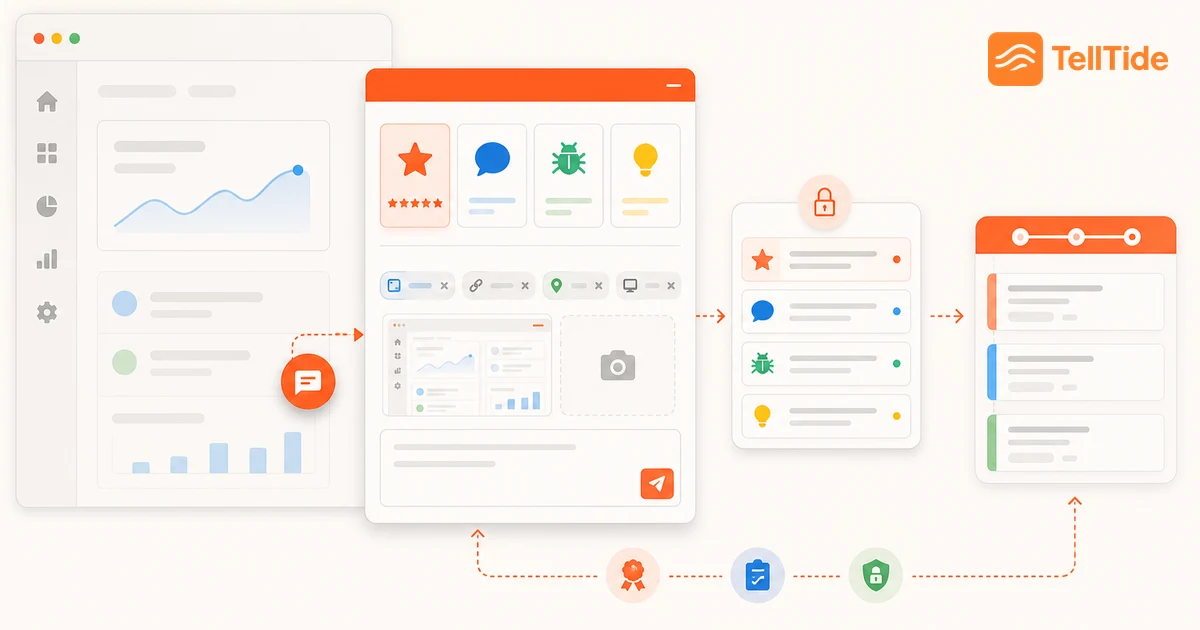
Ask engineering to verify the intended capture path rather than evaluate every possible platform. For a web widget, inspect installation on the registered site, successful submission, error handling and the context transmitted. For a native application or custom form, an API still requires someone to implement and maintain the user interface.
Keep server credentials out of client code. Test with non-sensitive data, review the documented payload and verify which app receives it. A successful design preview is not proof that production submissions reach the inbox.
Avoid turning a tool selection into an unbounded infrastructure project. Specify the supported product surface, the failure cases that matter and the person who owns the integration afterward. Use TellTide's API documentation for its specific credential and submission requirements.
Use a trial scorecard that records evidence
For each requirement, record the scenario, observed result, limitation and follow-up question. Use “confirmed,” “not supported” and “not yet verified” as separate outcomes. An unanswered vendor question is not proof that a feature is absent, and a marketing claim is not a completed acceptance check.
Run the same scenarios for finalists: one incomplete bug report, one sensitive account comment, two related feature requests and one customer-facing status change. This is a suggested test set, not a benchmark we have performed.
Do not average away a critical failure. If a required privacy boundary or integration cannot be verified, resolve it before considering cosmetic preferences. Keep screenshots or notes from your own trial so the purchase decision has a reviewable basis.
Assign ownership before rolling out
Finish the evaluation with the subscription basis, migration scope, daily operator and review cadence in writing. TellTide requires Pro for product use and has no free trial. It is a focused intake and roadmap product, not a replacement for every support, discovery or release-communication system.
Start with one product surface and a small amount of active feedback. Confirm that submissions reach the intended inbox and that private content is not published. Expand after the team completes a full review and follow-up cycle.
Use the feedback-tools shortlist to select candidates, then the TellTide setup guide if its narrower workflow fits. The purchase is useful when the team can operate it consistently after the trial ends.
Questions teams ask before choosing this workflow
Who should own the feedback-tool purchase?
Assign one decision owner, often a founder or product lead, and involve the people who review submissions, support customers and approve the integration. The daily operator should participate before purchase.
When does a SaaS team need a dedicated feedback tool?
Consider one when important submissions lose context, repeated requests cannot be grouped reliably, or customers cannot find progress. First identify the bottleneck; a new tool cannot replace missing ownership.
Is feedback software a replacement for customer support?
Not necessarily. Some products bundle both. TellTide focuses on product feedback and a curated roadmap, so an urgent support channel and private follow-up process should remain available.

Abhijith
Founder of TellTide, writing practical guides about product feedback, feature requests, and public roadmap workflows for SaaS teams.