At a glance
Key takeaways
- Ask what happened, what the user expected, and how to repeat it.
- Capture the page or screen context when possible instead of asking users to remember it later.
- Keep customers informed even when the fix needs investigation.
What makes a customer bug report useful?
A useful report explains the outcome the user expected, what actually happened, and the shortest known path back to the problem. Device, browser, account, page, and timing can help, but only ask for details your team will use.
Avoid blaming the reporter when information is missing. The user has already stopped their work to help. Ask one focused follow-up question and look for context your product can capture automatically.
A simple customer bug report template
| Field | Friendly question | Why it helps |
|---|---|---|
| Summary | What went wrong? | Gives the team a fast description. |
| Expected result | What did you expect to happen? | Separates a bug from a confusing design or request. |
| Steps | What were you doing just before this? | Helps the team reproduce the problem. |
| Context | Which page, screen, browser, or device? | Narrows the environment. |
| Impact | Is this blocking your work? | Helps triage urgency. |
From new report to resolved issue
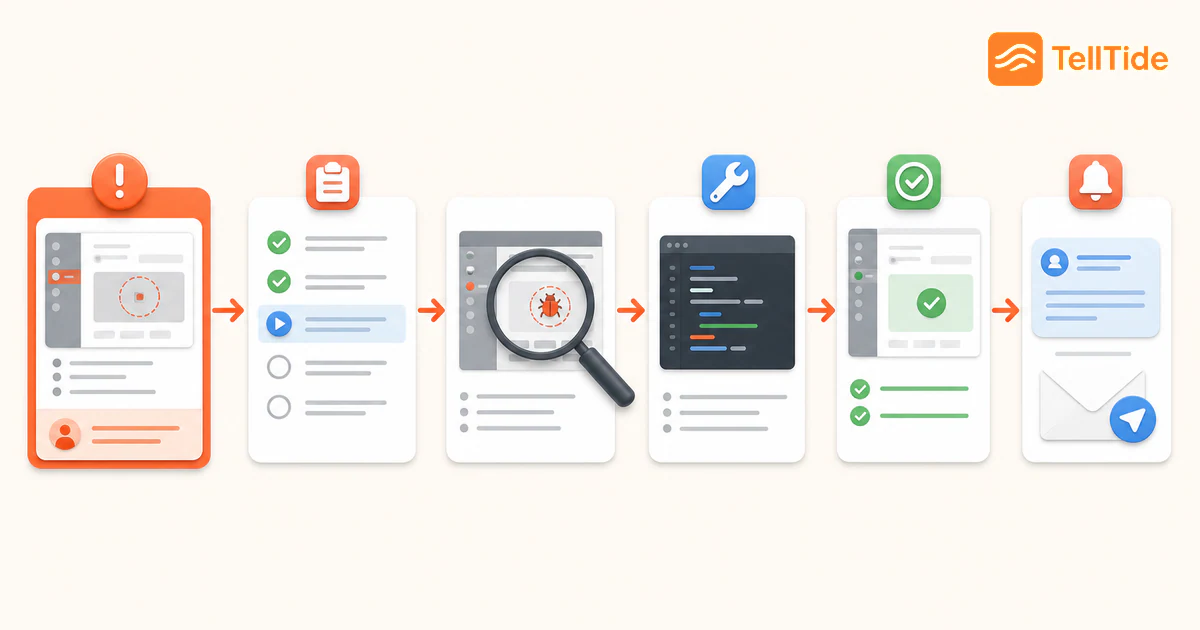
- Confirm the report arrived and identify whether it is a bug, question, or feature gap.
- Reproduce the issue or request the smallest missing piece of context.
- Set urgency using impact, affected users, frequency, and available workaround.
- Update status while engineering investigates and validates the fix.
- Tell the reporter when the issue is resolved or when a safe workaround is available.
How TellTide improves customer bug reporting
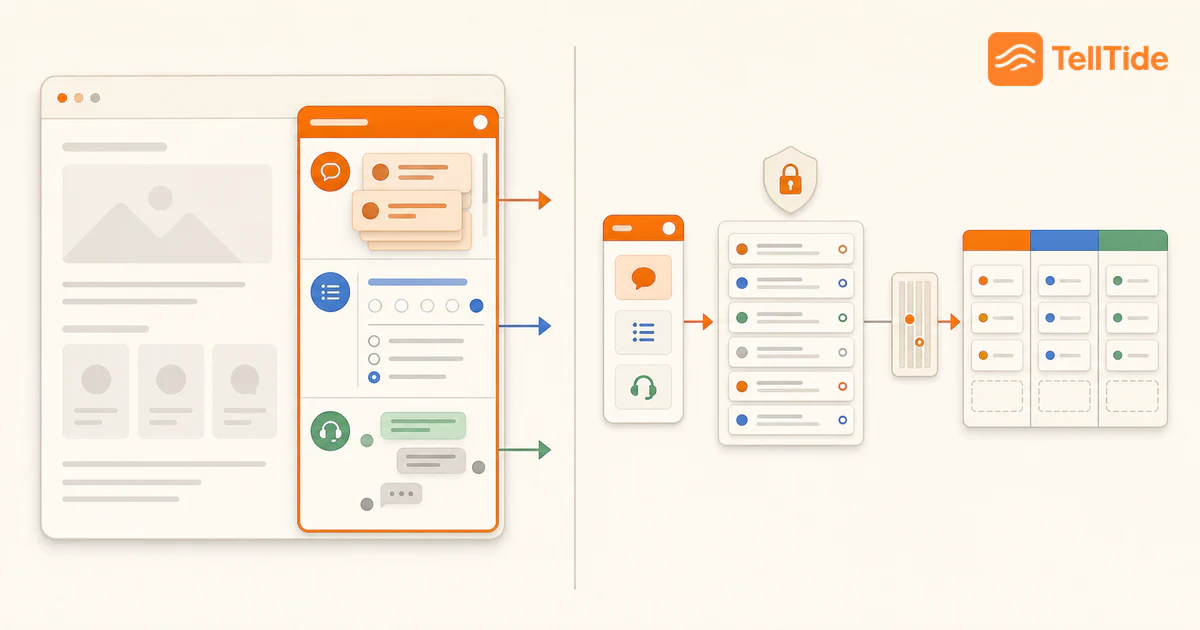
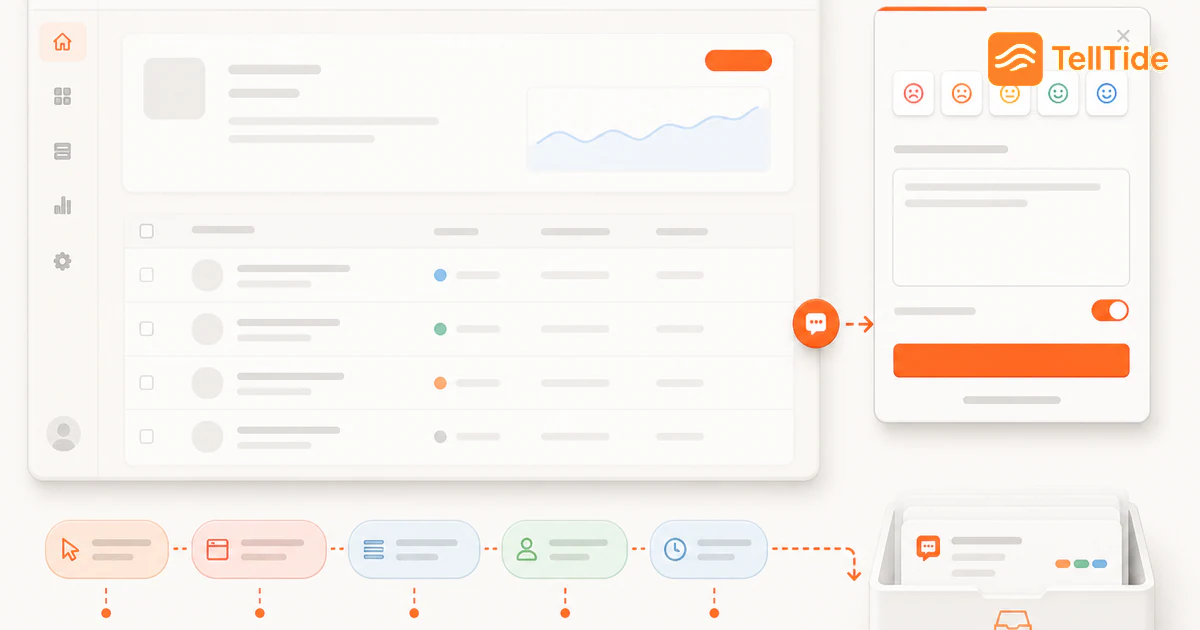
Enable Bug report in the widget so issues arrive separately from reviews and feature requests. TellTide can preserve page context and structured bug details, then place every report in the Issues view of the feedback inbox.
Your team can open the full submission, review metadata, update status, and search related reports. For native mobile or desktop products, send the same bug details through the API with a screen name or deep link as context.
Example: turning “the checkout is broken” into an actionable report
Suppose a customer says only that checkout failed. The support team can acknowledge the report immediately, then inspect automatically captured page and browser context. One focused reply—“Did the error appear before or after you submitted payment?”—separates a form-validation problem from a payment-provider failure without asking the customer to reconstruct a technical test case.
Engineering should receive a compact record: affected account, URL or screen, timestamp, expected result, actual result, reproduction notes, severity, and any safe diagnostic identifiers. Support keeps ownership of the customer conversation while engineering owns reproduction and resolution. That boundary prevents customers from being passed between teams.
Metrics that reveal whether the workflow works
- Time to first acknowledgement: how quickly the reporter knows the issue was received.
- Reproduction rate: the share of reports engineers can reproduce without a long email thread.
- Duplicate rate: how often several submissions describe the same underlying defect.
- Time to customer follow-up: the delay between a fix or workaround and notifying affected users.
A healthy workflow improves context without making the form longer. If completion falls while reproduction barely improves, capture more environment data automatically instead of adding mandatory questions.
Separate severity from queue order
Use an illustrative triage distinction: an unavailable core task with no workaround deserves urgent investigation; a broken secondary action with a workaround may wait; a cosmetic issue can be recorded without interrupting active incident work. Severity describes impact. Priority describes when the team will act, considering dependencies and available capacity.
Include the observed behavior and evidence in the engineering handoff. “Export failed at 10:15 on this page” is evidence; “the database is broken” is a hypothesis unless diagnostics establish it. Never ask users to paste passwords, access tokens or payment details into a report.
Keep reproduction notes and customer communication connected through a safe reference. Closing an internal issue is not a substitute for a follow-up through your support channel. See closing the feedback loop.
Put this into practice: Get Pro
Questions teams ask before choosing this workflow
What should a bug report include?
Include a short summary, expected and actual results, reproduction steps, page or device context, and the impact on the user.
How should SaaS teams prioritize customer-reported bugs?
Prioritize using severity, number of affected users, frequency, revenue or retention risk, data or security impact, and whether a workaround exists.
Can TellTide collect bug reports from native apps?
Yes. Mobile and desktop apps can submit bug reports with a submission-only publishable key.

Abhijith
Founder of TellTide, writing practical guides about product feedback, feature requests, and public roadmap workflows for SaaS teams.